How to Crimp an RJ45 Connector: A UK Beginner's Guide
How to Crimp an RJ45 Connector: A UK Beginner's Guide
TL;DR: To crimp an RJ45 connector, strip 25mm of the outer jacket, untwist the internal pairs, and arrange them into the T568B wiring standard (Orange-White, Orange, Green-White, Blue, Blue-White, Green, Brown-White, Brown). Trim the wires to roughly 12mm, insert them firmly into the plug, and use a high-quality crimping tool to compress the pins. Finally, verify the connection with a cable tester to ensure gigabit speeds and reliability.
If you are wiring a home office, adding hard-wired access points, or tidying up patch leads for a small business, learning how to crimp RJ45 connector properly is one of the most useful networking skills you can pick up. Based on our testing at KleinTools Net, a badly terminated cable is the leading cause of intermittent dropouts and reduced speeds in UK domestic networks. By contrast, a well-crimped connector provides a dependable Ethernet link ready for modern FTTP broadband and gigabit networking.
At KleinTools Net, we specialise in the professional-grade tools used by UK tradespeople and IT teams. This guide explains the process clearly, following recognised British structured cabling practices while highlighting where DIY users often get caught out—especially regarding wiring standards and cable categories.
Key Takeaways
- Use the right tools: You will need an RJ45 crimper, cable stripper, compatible connectors, and a cable tester.
- UK Standard: For most UK installations, T568B is the industry-standard pinout for residential and commercial projects.
- Preserve Performance: Keep pair twists as close to the plug as possible to minimise crosstalk.
- Verify: According to UK wiring guidelines, you should always test a newly terminated cable before putting it into service.
Why does proper RJ45 crimping matter?
An RJ45 connector is the standard 8P8C plug used on Ethernet cables across the UK. Crimping is the precise process of arranging eight copper conductors, inserting them into the plug, and using a mechanical tool to secure the contacts and strain relief. Consequently, this is not just about making a cable “fit”; it is about maintaining signal integrity.
Ethernet performance depends on correct pairing. The twists in each pair reduce electromagnetic interference; therefore, if you untwist too much wire or mix up the colour order, your cable may underperform at higher speeds. This is critical because Ofcom reported that average UK home broadband speeds reached 223 Mbit/s in 2024. As broadband speeds rise, weak internal cabling becomes a significant bottleneck for streaming, gaming, and VoIP services.
What tools do I need for RJ45 crimping?
1. Professional RJ45 crimping tool
The core tool is a dedicated crimper designed for 8P8C modular plugs. A good-quality crimper applies even pressure to avoid partial terminations. If you are searching for the best crimping tool for RJ45 UK professionals recommend, look for heavy-duty steel construction and compatibility with your specific plug type—standard or pass-through.
2. Cable stripper or snips
You must remove the outer PVC or LSZH (Low Smoke Zero Halogen) sheath without nicking the copper conductors. While some crimpers have built-in blades, using a dedicated data cable stripper ensures a cleaner cut and protects the internal insulation.
3. RJ45 connectors matched to your cable
Furthermore, it is vital to match your plugs to your cable. Not all connectors are universal. You must check:
- Cable category: Cat5e, Cat6, or Cat6A require different internal guide sizes.
- Conductor type: Solid-core cable (for walls) requires different pins than stranded cable (for patch leads).
- Shielding: Use FTP/STP plugs if you are using shielded cable to prevent interference.
4. Ethernet cable (Cat6 recommended)
For most UK home installations, Cat6 is the "sweet spot" for performance. If you are choosing between standards, our guide to Cat6 vs Cat7 Ethernet Cable for UK homes provides a practical breakdown.
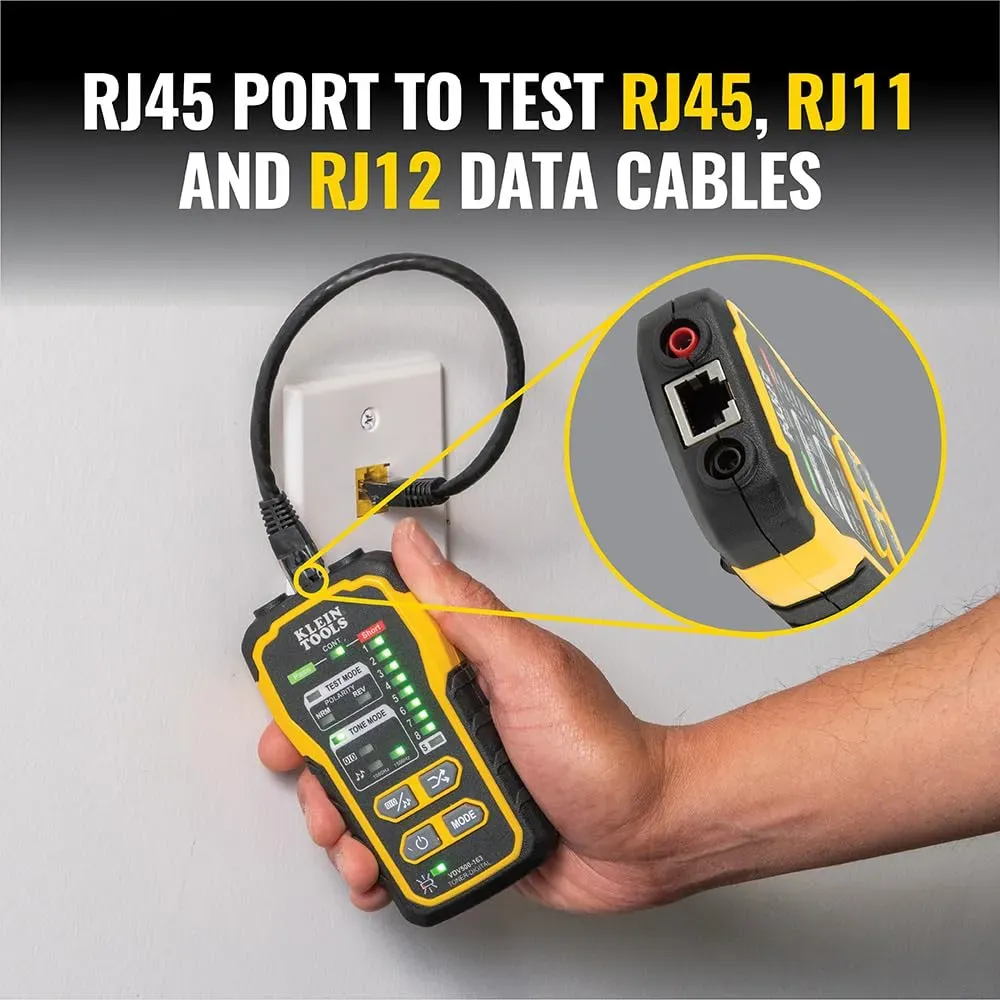
5. Network cable tester
We strongly recommend a tester for every project. Even experienced installers encounter faults; therefore, a visual check is never enough. For more information, see our roundup of the best network cable testers in the UK.
T568A vs T568B: Which wiring standard to use in the UK?
A common question is whether to use the T568A or T568B colour order. While both work perfectly if both ends match, T568B is the standard for the vast majority of UK networking. If you are adding to an existing installation, check the current plugs to ensure consistency.
T568B Pinout Order (UK Standard)
- White/Orange
- Orange
- White/Green
- Blue
- White/Blue
- Green
- White/Brown
- Brown
T568A Pinout Order
- White/Green
- Green
- White/Orange
- Blue
- White/Blue
- Orange
- White/Brown
- Brown
Ready to upgrade your diagnostic kit with KleinTools Net?
Shop Professional Kits — £194.22